Landscape authoring toolkit for Unity
Create your world in Unity.
Explore WorldOfPangea's modular tools for shaping landscapes and building natural environments.
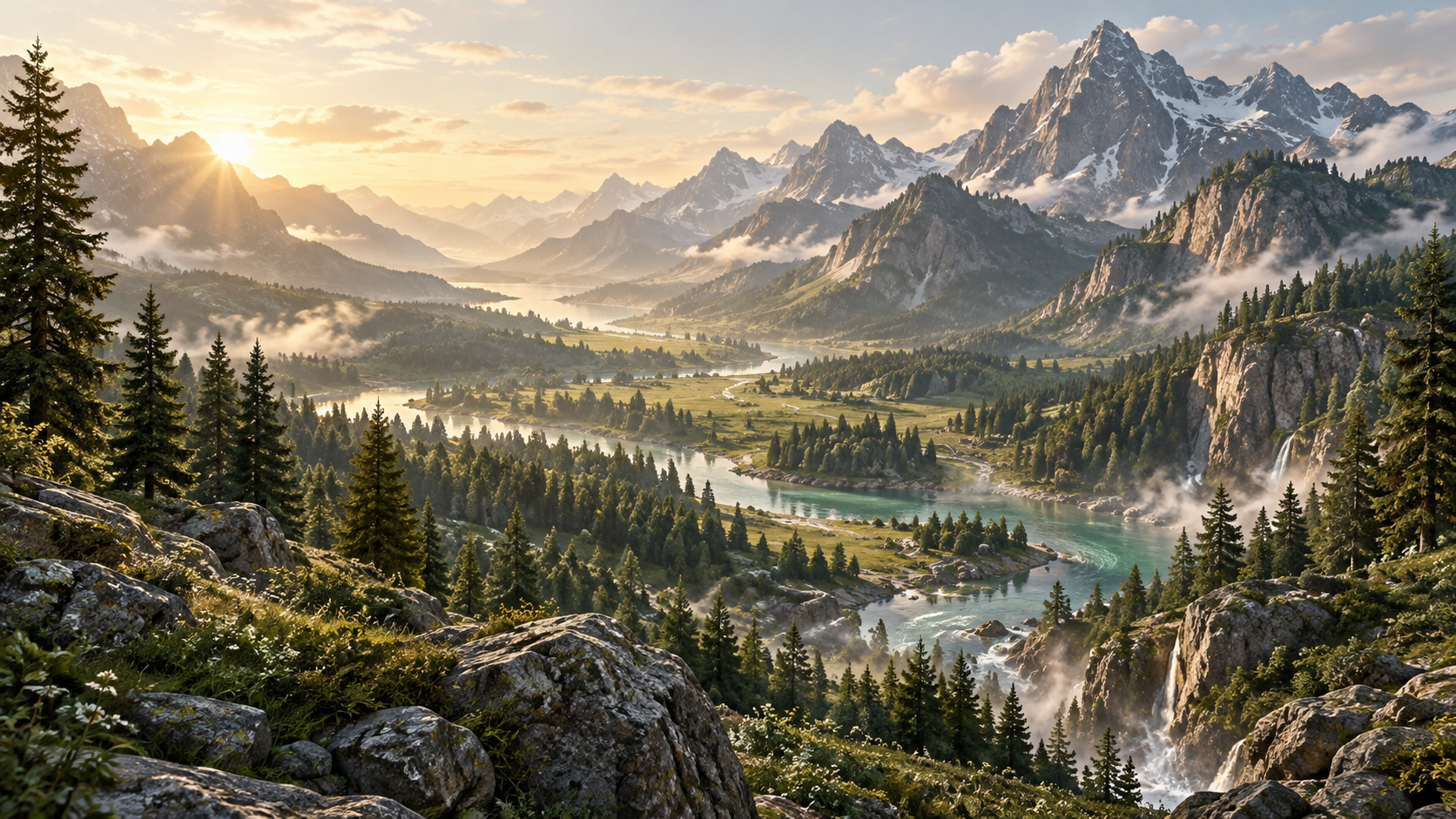 by World of Pangea
Workflow
From bare ground to a living environment
Shape terrain, compose biomes and add environment tools. Explore the workflow below.
- 01
Shape the terrain
Start with the ground your world stands on.
Unity editor captureShape the terrain in the editorPlaceholder — awaiting WorldOfPangea media - 02
Define biomes
Divide the landscape into regions with their own environmental rules.
Unity editor captureDefine biomes in the editorPlaceholder — awaiting WorldOfPangea media - 03
Add landscape detail
Layer in vegetation, roads, trails and rivers.
Unity editor captureAdd landscape detail in the editorPlaceholder — awaiting WorldOfPangea media - 04
Develop the environment
Set the sky and weather to bring the scene together.
Unity editor captureDevelop the environment in the editorPlaceholder — awaiting WorldOfPangea media
Packages
Start with terrain, add what you need
Start with Free or Terrain Creator, then choose modules for your landscape. Check each package for its requirements.
Modules
Biomes
Compose reusable landscape regions from painting, vegetation and prefab content.
View BiomesVegetation
Distribute plants and trees with graphs, using native Terrain or Pangea rendering.
View VegetationRoads & Trails
Build spline roads and trails with terrain shaping and reusable road profiles.
View Roads & TrailsRivers & Lakes
Create river surfaces and closed-shoreline lakes with terrain shaping.
View Rivers & LakesWeather
Add changing weather, precipitation, lightning and sound to Pangea skies.
View WeatherFree edition and bundle
Showcase
Landscape inspiration
by World of Pangea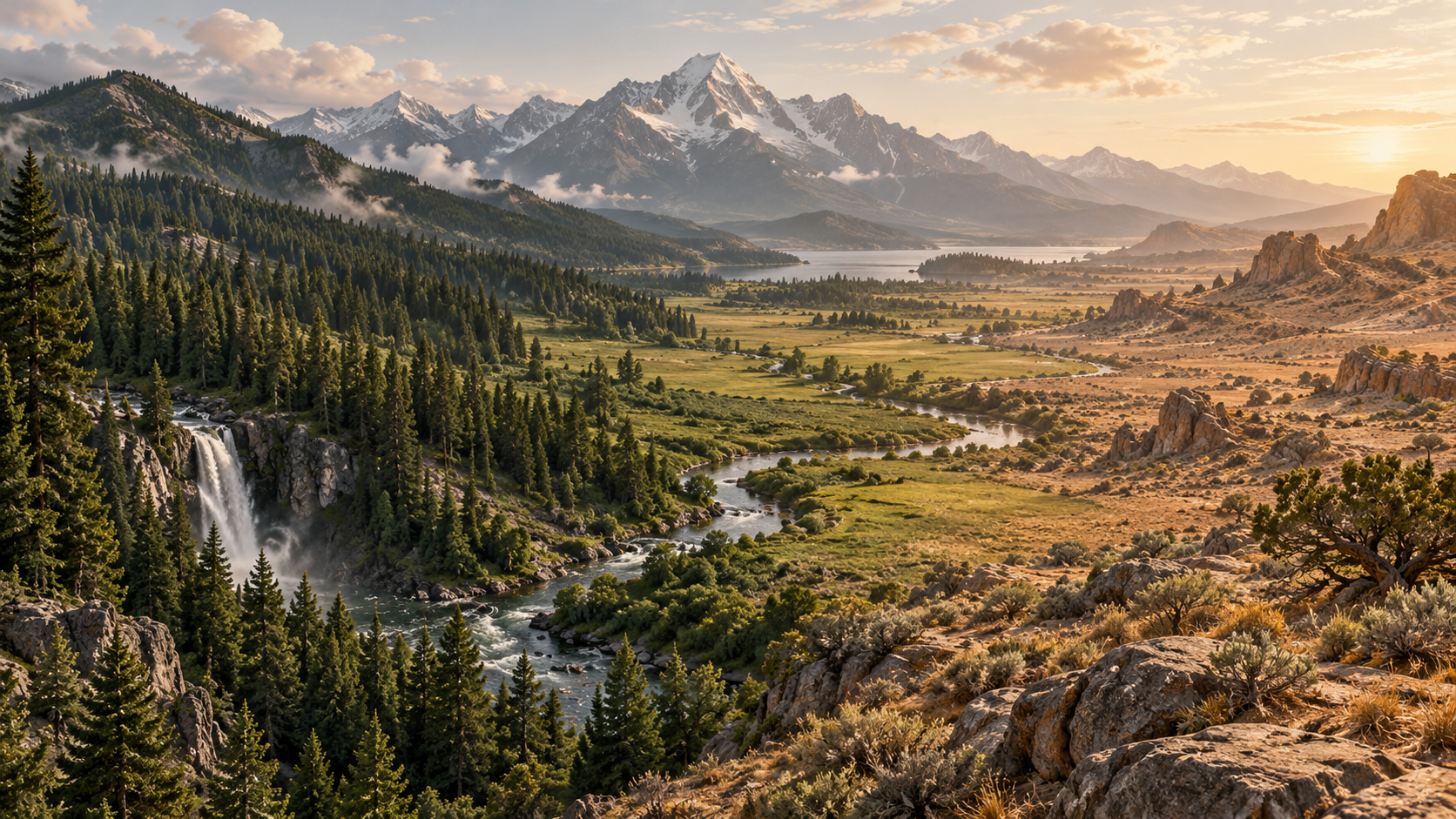 by World of Pangea
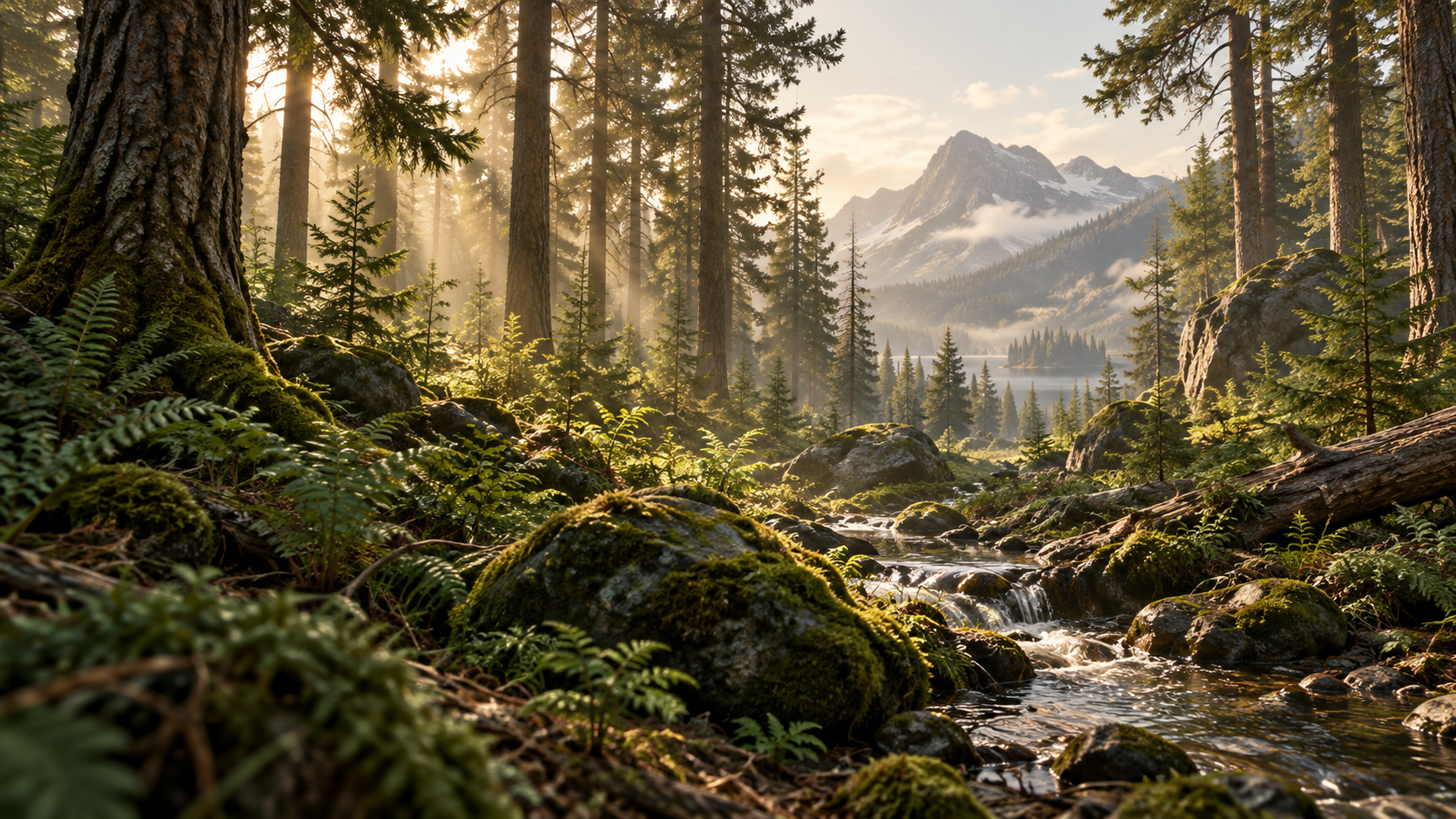 by World of Pangea
Getting started
Set up your first landscape
Find the tools for your project
Compare every package side by side and see what each one is for.
Compare packages